Daycare photo sharing app for nursery photos and videos
Parents love seeing their child's day, and staff want to share it without juggling personal phones and group chats. UPRISE gives the team a camera inside the Staff app and gives parents albums they can find again later.
Take photos and videos in the Staff app
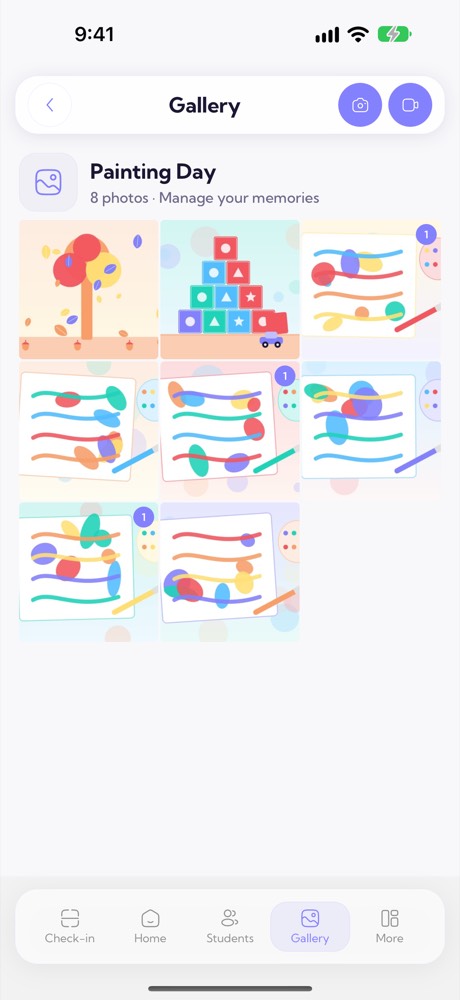
Staff take photos and videos from inside UpriseEdu Staff, on a phone or a classroom tablet, and organise them into albums for the activity: painting day, story time, a garden trip.
Videos work the same way: a clip of the class singing at circle time goes into that activity's album next to the photos. Each album carries its activity and its date, so the nursery's photos stay in order as the term goes on.
No signal? Uploads wait and go later
Classrooms, gardens and trips are not always in reach of good Wi-Fi. When the Staff app has no connection, photos are saved on the device and upload automatically when it is back online. Teachers keep taking pictures; the app takes care of sending them.
That matters most on the days parents care about most, such as trips, sports days and garden afternoons, when staff are busy with the children and the pictures would otherwise wait on a phone until somebody remembered them.
Approve photos and videos before parents see them
Photos and videos can be approved in the owner dashboard before they reach parents. An owner or branch admin can look through what the team has taken and approve it, which helps when a nursery wants a second pair of eyes on every picture that leaves the building.
The owner analytics include photo and video uploads, so owners can see how much the team is sharing with families.
Albums parents actually go back to
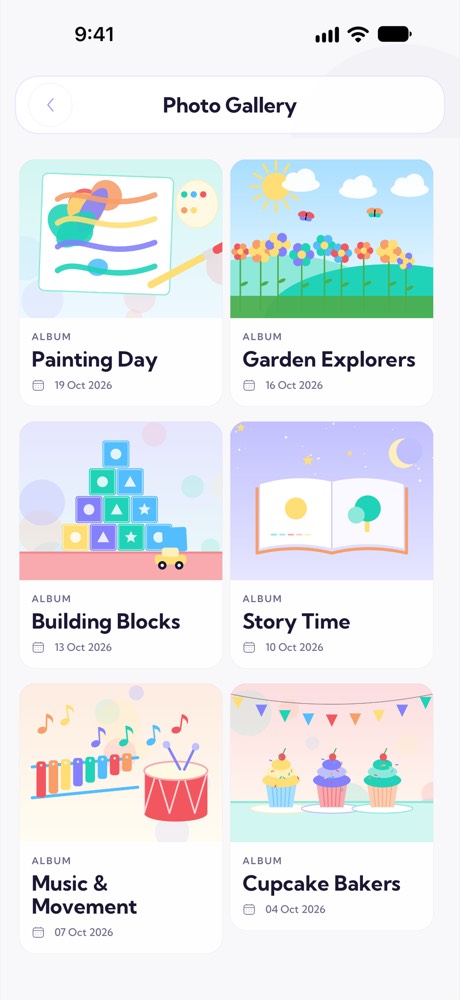
In the UpriseEdu parent app, photo and video albums are organised by activity and date. Instead of a long stream of pictures, parents see albums with names they recognise and can find the one they want months later.
The albums live in the same app as the rest of the day: the daily report with its activities and teachers' notes, the meal menu and the check-in time. A photo of story time makes more sense next to the teacher's note about it.
Share the day with your parents
Our team sets up your nursery, classes and staff accounts. Talk to us to see photo sharing with your own albums and classes.